Drivers depend on their phones for navigation, music, roadside help, and quick communication. But the same device that helps on the road is also at high risk of scratches, cracks, and sudden damage. Many drivers only notice screen problems after a drop in the car or when the phone slides off the seat. With more people using on-the-go protection options like phone screen protector vending machine, keeping your display safe has become easier than ever, even during travel.
This guide explains practical steps every driver should know to protect their phone screen, especially during daily commutes and long trips.
Keep Your Phone Away From Open Edges Inside the Car
Most screen cracks happen simply because the phone slips. It can slide off the dashboard, drop between seats, or fall when you brake suddenly. Avoid placing your phone on:
- The dashboard
- The center console
- The passenger seat
- The top of the door panel
These spots seem convenient but offer no stability on bumpy roads. A quick turn or sudden stop can send the phone flying. Use a stable mount instead.
Use a Strong Mount for Navigation
Drivers often use maps. Holding the phone in your hand or balancing it loosely invites accidents and screen damage. A firm mount keeps the phone secure and prevents unexpected drops.
There are different types of mounts:
- Air vent mounts
- Dashboard mounts
- Windshield mounts
- Magnetic mounts
Pick a mount that fits your car and keeps the phone steady. This small step reduces a large amount of accidental screen damage.
Apply a Good Screen Protector Before a Long Drive
A strong protector helps reduce scratches and cracks from daily use. Tempered glass offers good durability, while hydrogel films work well for curved displays. If you travel often, it is wise to refresh your protector before long trips.
Modern vending machines make this easy by applying protectors cleanly and quickly. Drivers who spend hours on the road often prefer getting protection instantly instead of searching for a repair shop.
Avoid Storing Your Phone With Keys and Coins
Many people drop their phones into the same compartment where they keep keys, loose change, or metal tools. These items can scratch the screen within minutes, especially when the car moves.
Keep your phone in:
- A separate pouch
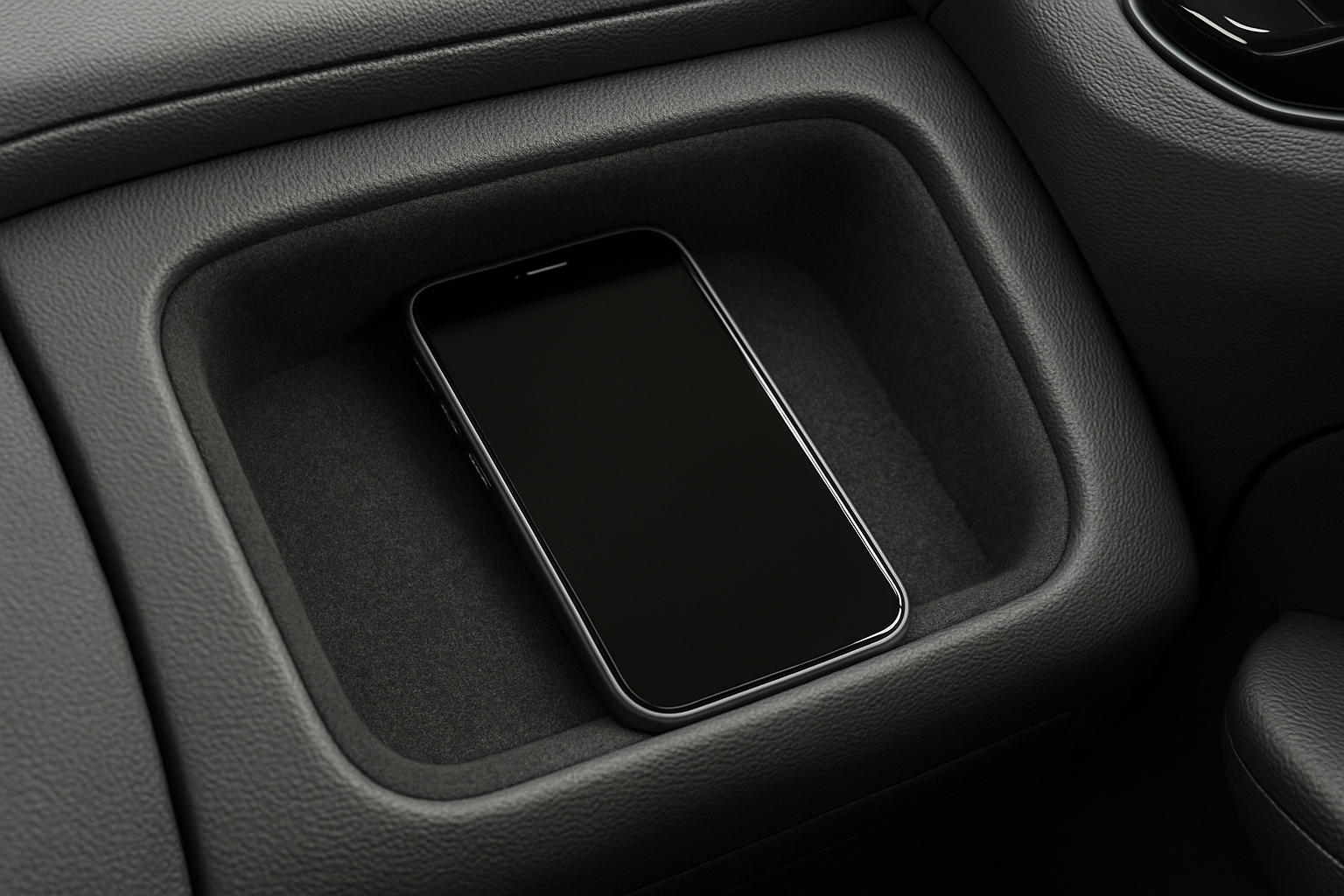
- The car’s soft-lined storage area
- A mount
- A dedicated slot inside your bag
Even small scratches can affect visibility while using navigation apps.
Do Not Leave Your Phone Exposed to Direct Heat
Inside a parked car, the temperature rises quickly. Heat makes the screen more sensitive to damage. High temperatures weaken the adhesive of screen protectors and can cause small cracks to spread.
To avoid this:
- Keep the phone in the glove box
- Use a sunshade
- Avoid leaving it on the dashboard
- Take the phone with you when you leave the car for long periods
Overheating also affects battery performance and display brightness.
Keep the Screen Clean While You Travel
Dust, sand, and moisture can slowly damage your screen. Drivers often touch the phone after handling steering wheels, gear levers, fuel pumps, or roadside items. This adds dirt to the display.
Use a soft microfiber cloth to wipe the screen regularly. Avoid using rough cloths or tissues, as they may leave marks.
If you travel to beaches or dusty regions, clean the phone more often to avoid micro-scratches.
Use a Case With Raised Edges
A case with raised edges gives extra protection when the phone falls face-down. This type of case is helpful inside cars because falls happen quickly and without warning. Even a small slip from the dashboard can crack the screen.
Raised-edge cases:
- Add safety without bulk
- Protect both front and back surfaces
- Reduce screen contact when placed face-down
This makes them a smart option for drivers who juggle multiple items during trips.
Secure Your Phone During Charging
Many cables tug on the phone while driving. If the charging cord gets pulled or caught on something, the phone may drop. Use:
- Short cables
- Right-angle connectors
- Mounts with cable holders
This prevents sudden drops caused by cable tension.
Replace Old Screen Protectors Before They Fail
Drivers often keep cracked or peeling protectors on their phones for too long. Once the protector is damaged, it loses its strength and may no longer guard the screen.
Replace your protector if:
- It has cracks
- The edges are lifting
- It collects dust under the surface
- Touch sensitivity feels reduced
A fresh protector reduces the risk of damage on rough roads.
Make Use of On-The-Go Protection Options
Many public spots now offer machines that apply screen protectors instantly. Drivers who spend long hours on highways or in cities may not have time to visit repair shops. Machines located in malls, fuel stations, service areas, and metro hubs offer:
- Quick application
- Clean alignment
- Fresh protection without waiting
This is helpful for anyone who travels regularly and needs a simple way to maintain screen safety.
Keep the Phone Away From Sharp Objects While Driving
Items like seatbelt clips, metal tools, and sunglasses can scratch the screen if the phone comes into contact with them. Avoid tossing your phone into random compartments or on top of loose items.
A small padded pouch or zip pocket inside your bag can prevent many accidental scratches.
Do Not Use the Phone in Risky Situations
Drivers often grab the phone quickly to check notifications or change songs. Doing this while driving increases the chance of dropping the phone, leading to screen damage. Use voice controls or mount-based controls instead.
When the car is parked, handle the phone with care instead of rushing. Most screen damage happens during quick, careless movements.
Final Thoughts
Keeping your phone screen safe while driving is simple when you follow a few steady habits. A solid mount, a good screen protector, careful placement, and regular cleaning can extend your screen’s life. Small steps like avoiding heat, choosing the right case, and securing the phone during charging help prevent damage during daily commutes and long trips.
Drivers rely on their phones more than ever. With the right precautions, your screen stays clear, safe, and easy to use whenever you are on the road.